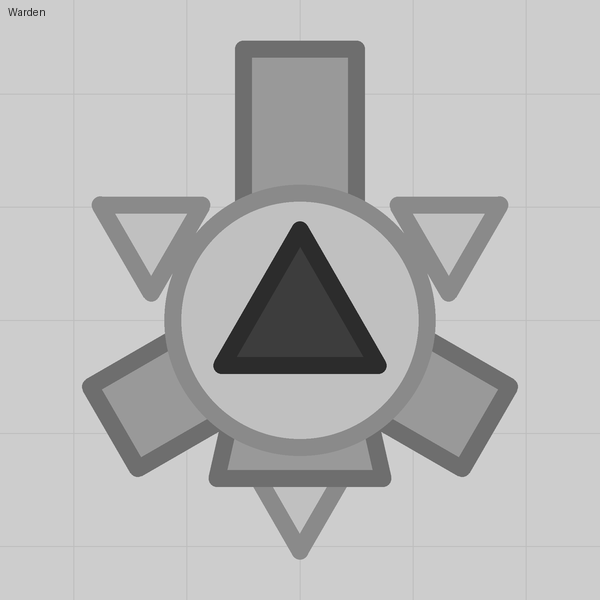
☀️ Tank lessonshow our diep.io tanks do what they do

How our tanks do what they do

People keep asking how the Halloween tanks pump, bite, watch, swing and fade. None of it is a mod: every trick is built from the three things the sandbox tank editor gives you, barrels, parts and auto turrets, set up in ways the stock tanks never use.

Each lesson below is one trick. It comes with a tiny demo tank: step through how it is put together in a mock of the editor (same panels, same field names), press Play to see it move, then download the pack or copy the tank and open it in the real editor to poke at the numbers yourself.

Start with lesson 00 if you have never looked at the Layers panel; otherwise jump to whatever you were wondering about.

Importing a lesson pack

  1. In the editor's pack screen press Import pack and choose the .diep-pack file (or drop it on the window).
  2. Pick Import as new pack. (Add to this pack also works and puts the demo tank into the pack you are editing.)
  3. Select the tank and press Play to spawn as it. Lesson tanks sit at level 1 under the stock Tank, so they also show up as an upgrade.

Or press Copy tank JSON on a lesson, open a pack of yours in the editor and press Ctrl+V. All 24 demo tanks are also in one pack, the lesson 22 boss included: tank-lessons.diep-pack.

Lessons 19 to 22 cover what the editor update of 6 October 2026 added: parts that ride parts, parts that keep their heading, your own colours, and bosses (lesson 22 includes the boss stat levels of the 9 October 2026 update). The editor now labels custom tanks #C1, #C2 … in pack order; the mock here does the same.

The demos here are a sketch of the game, not the game: speeds and timings are approximate, and the editor's own preview does not animate at all. What the field names and numbers do is exact.
Lesson 00
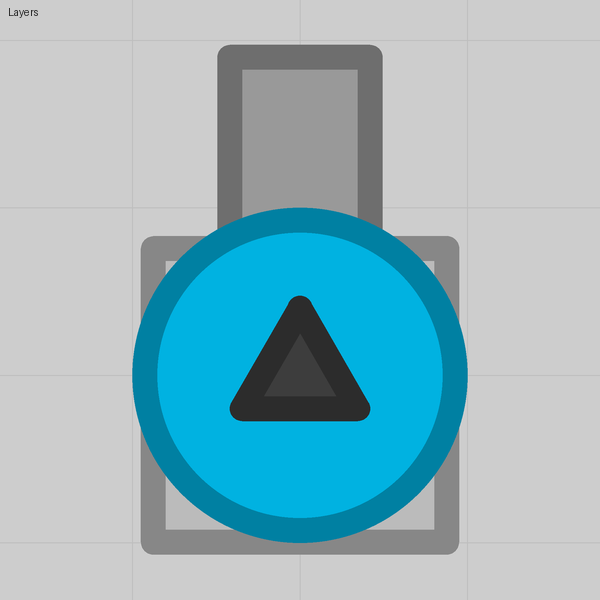
How the editor draws a tank
Barrels, parts and auto turrets are stacked in layers, and the body splits what draws over it from what draws under it.
Lesson 01
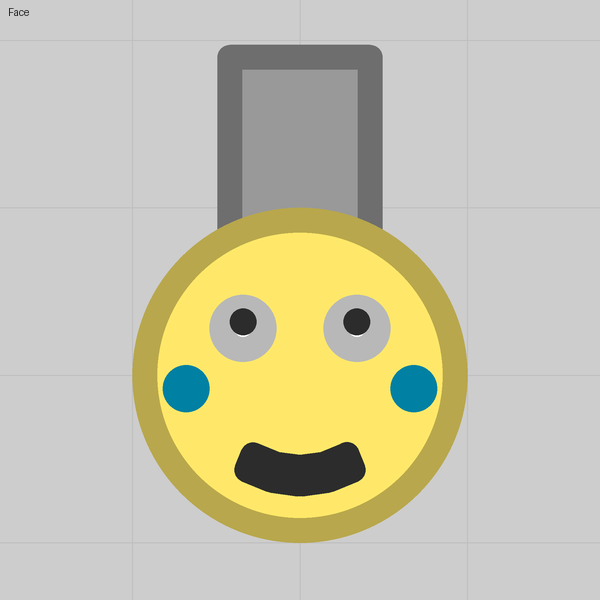
A face that keeps the team colour
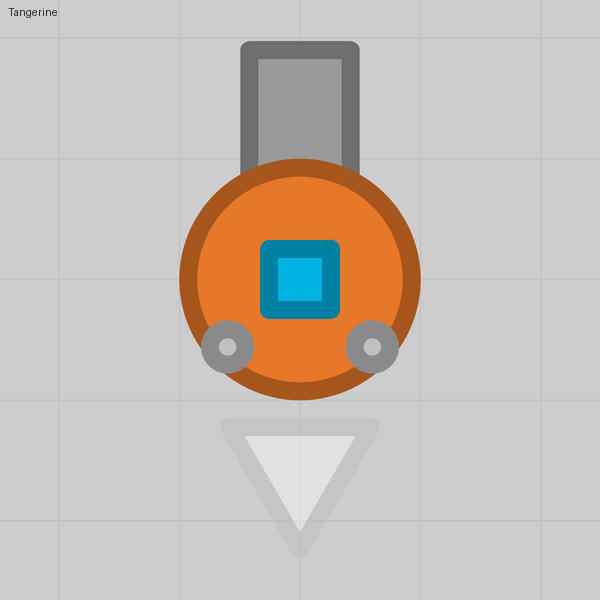
Paint anything you like over the body, as long as the body itself stays on Team color and shows through somewhere.
Lesson 02
Drawing with barrels
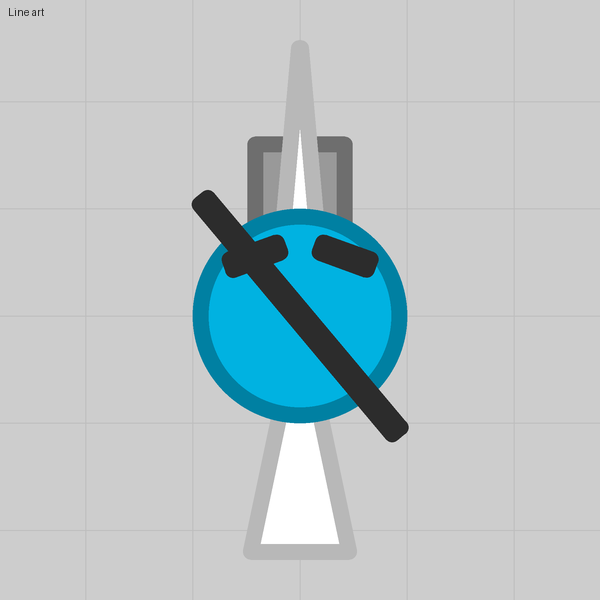
A barrel that fires nothing is a rectangle you can put anywhere, hair-thin or fanned out, even across the middle of the face.
Lesson 03
Spinning parts and a pulsing light
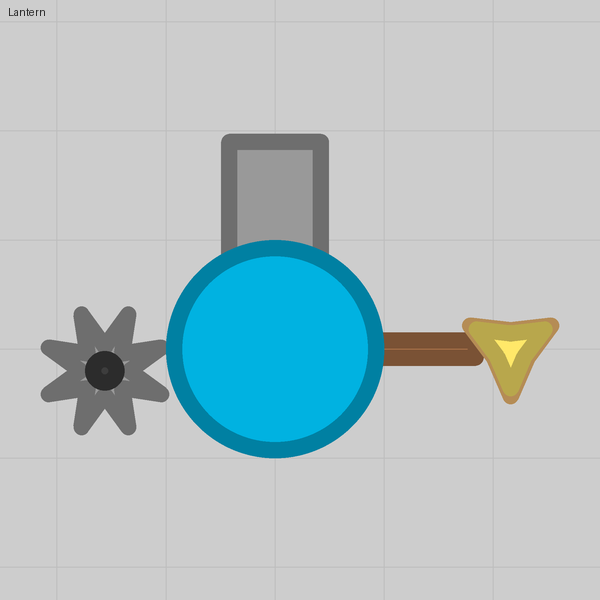
Spin speed turns a part on its own, and two stars spinning against each other read as a light that pulses.
Lesson 04
Parts that pump
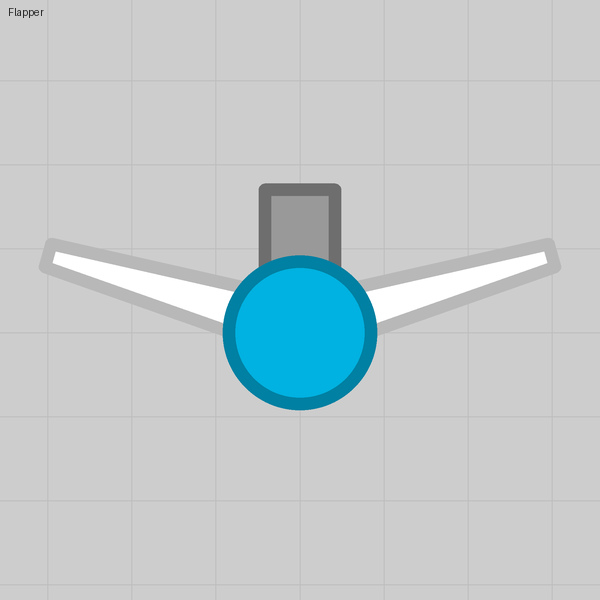
A wing or a leg that moves is a barrel firing a harmless speck, because every barrel that fires slides back on the shot.
Lesson 05
Eyes that watch
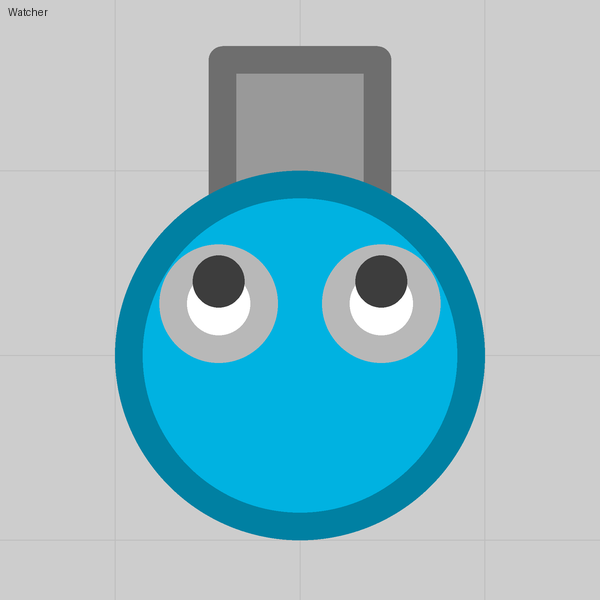
An auto turret turns toward the nearest enemy. Make its disc the eyeball and let the pupil ride on it.
Lesson 06
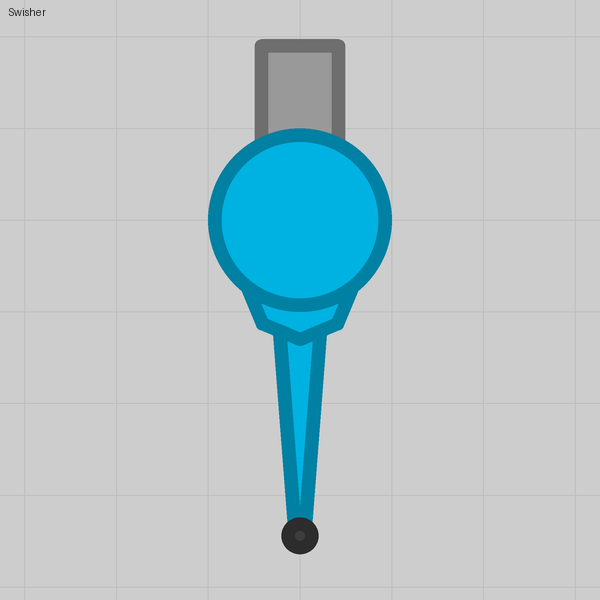
A tail that swings
A turret with a narrow arc, facing backward, mostly rests; when the tank turns it lags and settles back, and anything riding it swings.
Lesson 07
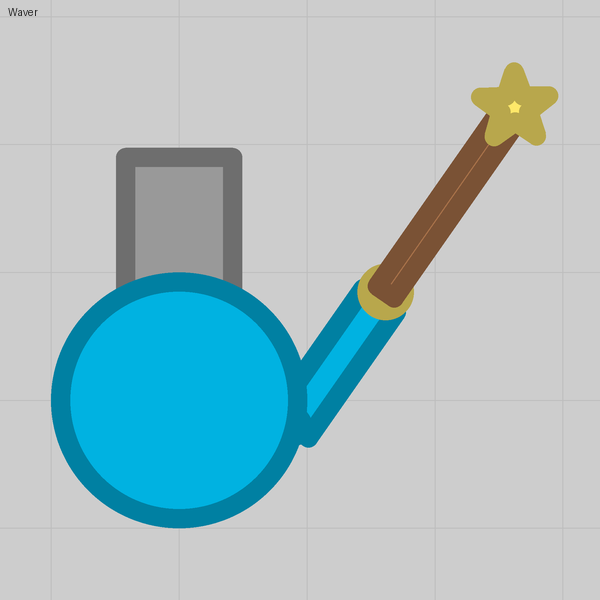
A hand that follows the cursor
An auto turret with Range 0 that aims with the cursor rests at its Facing, swings to the cursor while you hold fire, and drops back when you let go.
Lesson 08
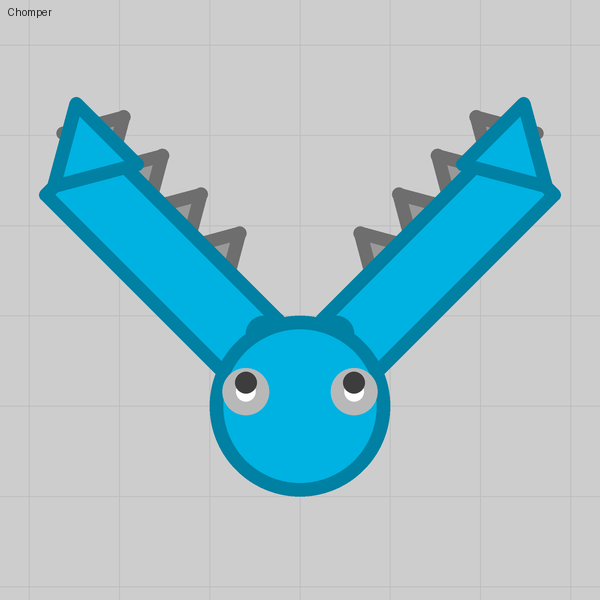
Jaws that bite
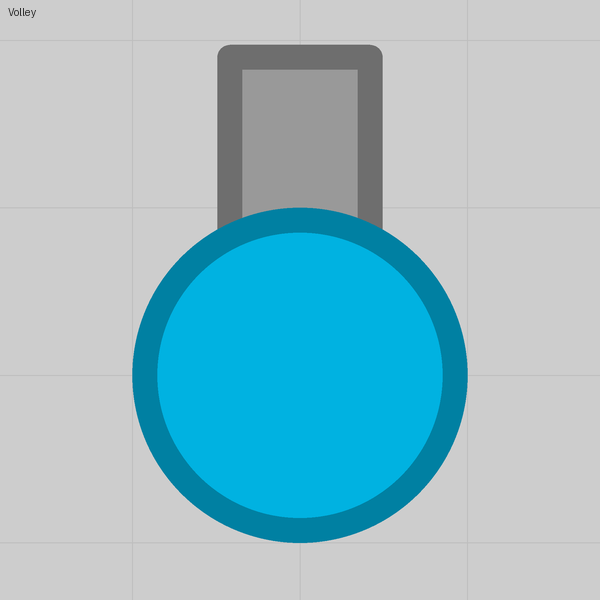
Two cursor pivots resting apart swing together when you hold fire, and invisible barrels along the jaws hurt whatever is caught between them.
Lesson 09
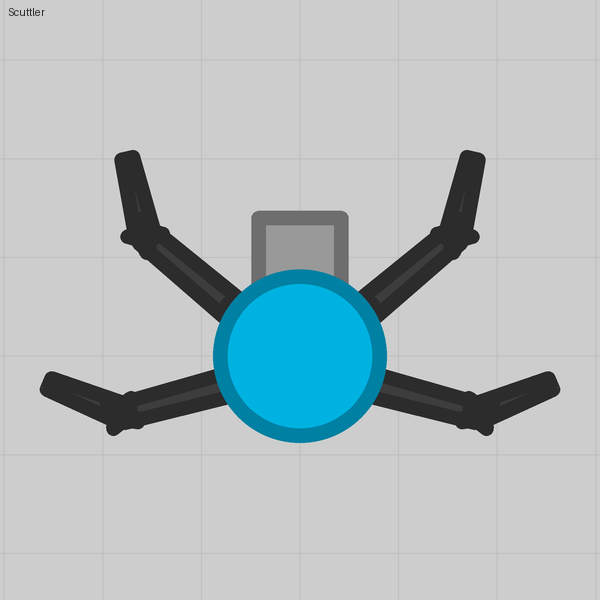
Limbs that live
Give a cursor pivot a Range as well, and the limb twitches toward passing enemies while you are idle and follows the cursor while you fire.
Lesson 10
A body that trails behind
An invisible rear barrel that always fires a shot with no speed leaves a segment wherever the tank was, so a chain follows every bend.
Lesson 11
A dash on right click
An invisible barrel pointing backward fires a harmless shot with huge Recoil, and the kick throws the tank forward.
Lesson 12
Hiding the body, keeping a hitbox
Shrink the body to a dot and give the figure a hitbox of its own with a Collidable part.
Lesson 13
Shots that are pictures
A projectile has its own layers, so a bullet can be a bat, an egg, a skull or a spiky star with an eye.
Lesson 14
Ghosts that fade
Invisibility is three numbers, and parts marked Visible while invisible stay drawn while the rest of the tank is gone.
Lesson 15
Staying under the lobby's budget
The lobby refuses a tank that fires too much, keeps too much alive or has too many pieces; here is what counts and the one stat that buys you room.
Lesson 16
A missile that steers itself
A bullet with a backward barrel on it is a rocket. Put that barrel on an auto turret and the rocket turns toward whatever the turret sees.
Lesson 17
A missile that bursts
A short barrel that fires when the missile dies is a warhead. Put that barrel on a second, short-sighted turret and the missile goes off by itself when something comes close.
Lesson 18
A salvo that fans out
Six missiles leave the tube as one, a sideways recoil barrel kicks them apart a moment later, and each bursts when it dies. The missiles are drones, which is what makes the volley affordable.
Lesson 19
A part that rides a part
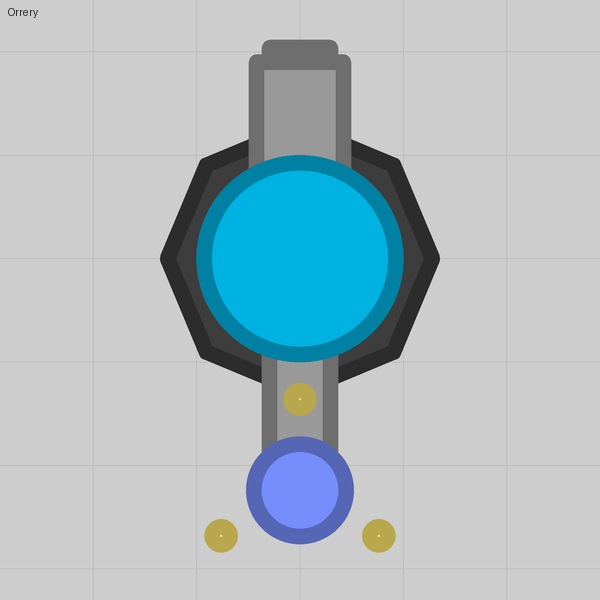
Since the October 2026 update a part or a barrel can sit on another part. Spin the carrier and everything riding it goes round: moons, a lantern wheel, a chained tail, a gun ring that turns and fires.
Lesson 20
A part that keeps its heading
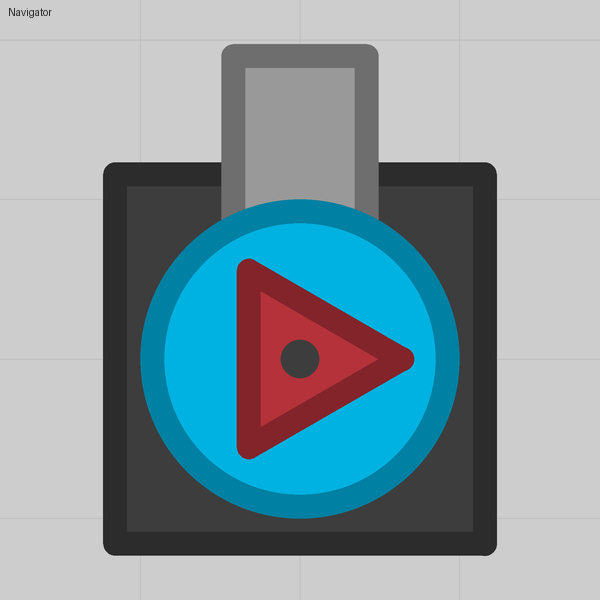
A part's Rotation can be Fixed. It then holds its angle in the world while the tank turns, like a dominator's base or a compass needle.
Lesson 21
Your own colours
Every colour box now takes any colour as a hex code, with an opacity slider. A body painted this way still gives its Same-color parts the team colour, and the new Fallen swatch is the stock bosses' grey.
Lesson 22
A boss of your own
A pack can now spawn bosses. A boss is a record in the Bosses tab that wraps one of your tanks: a size, a health bar, a brain, a behaviour, a spawn ring. Here is one, and what the game does with it.